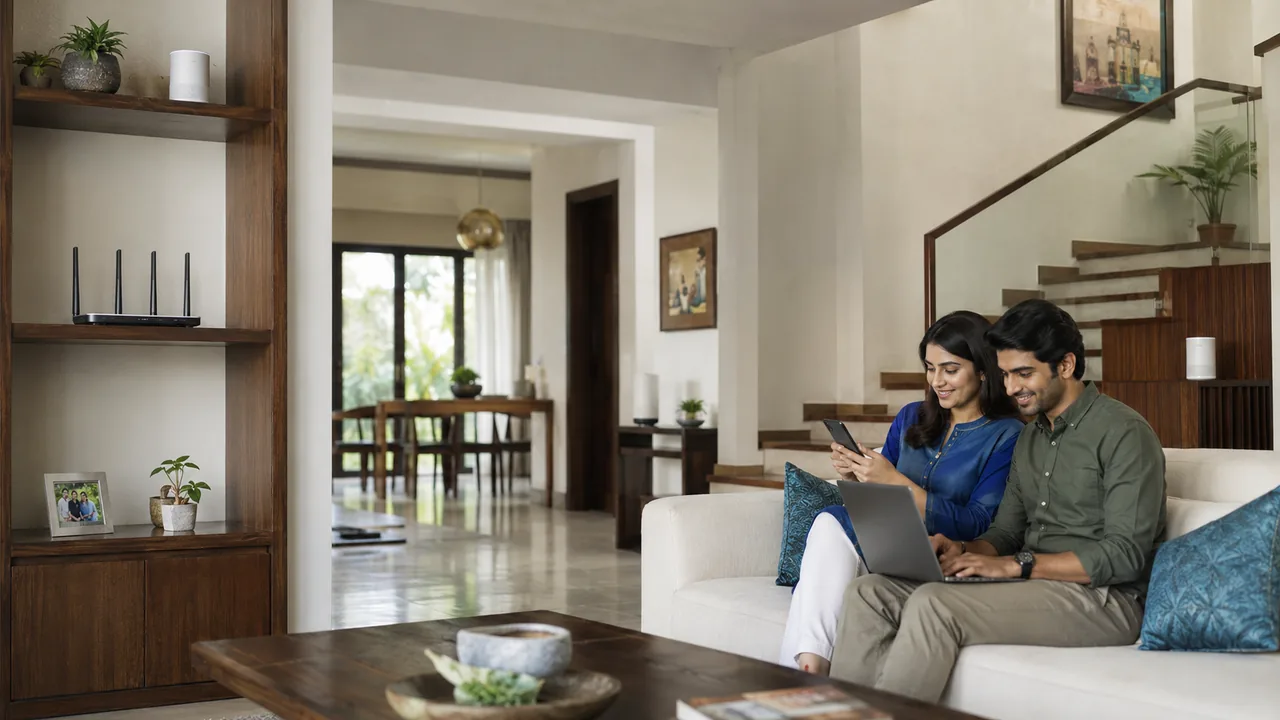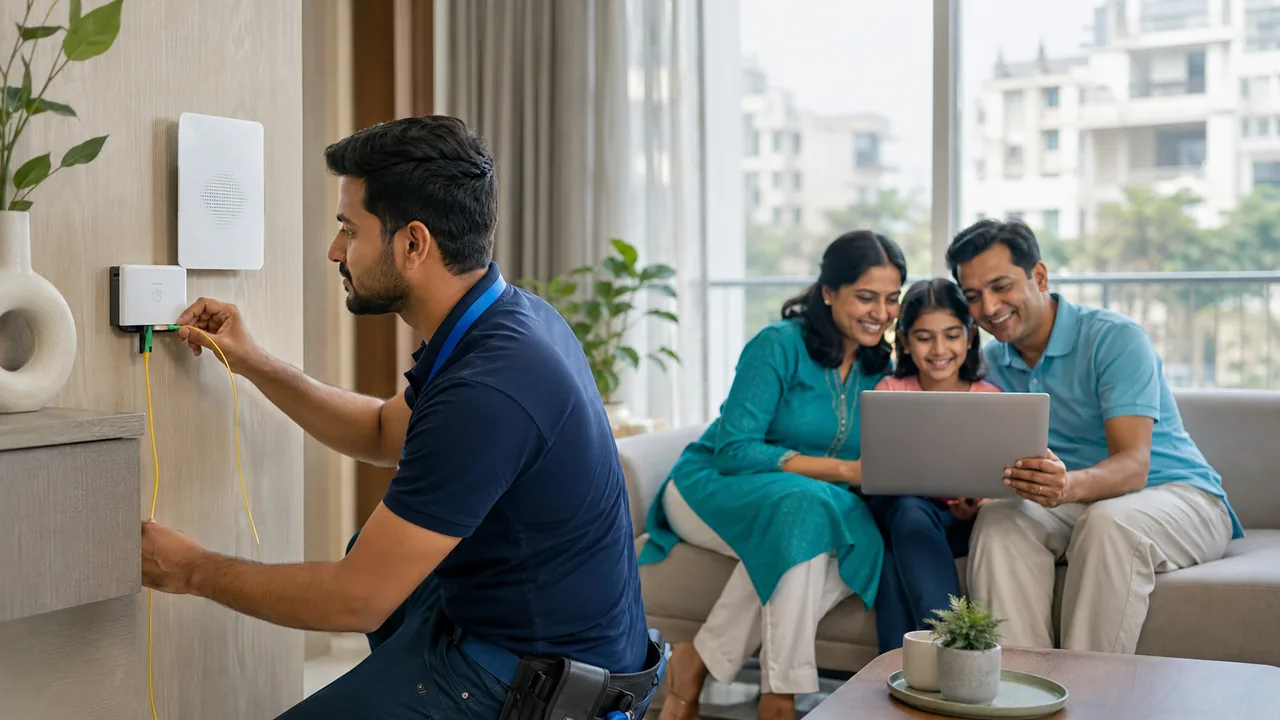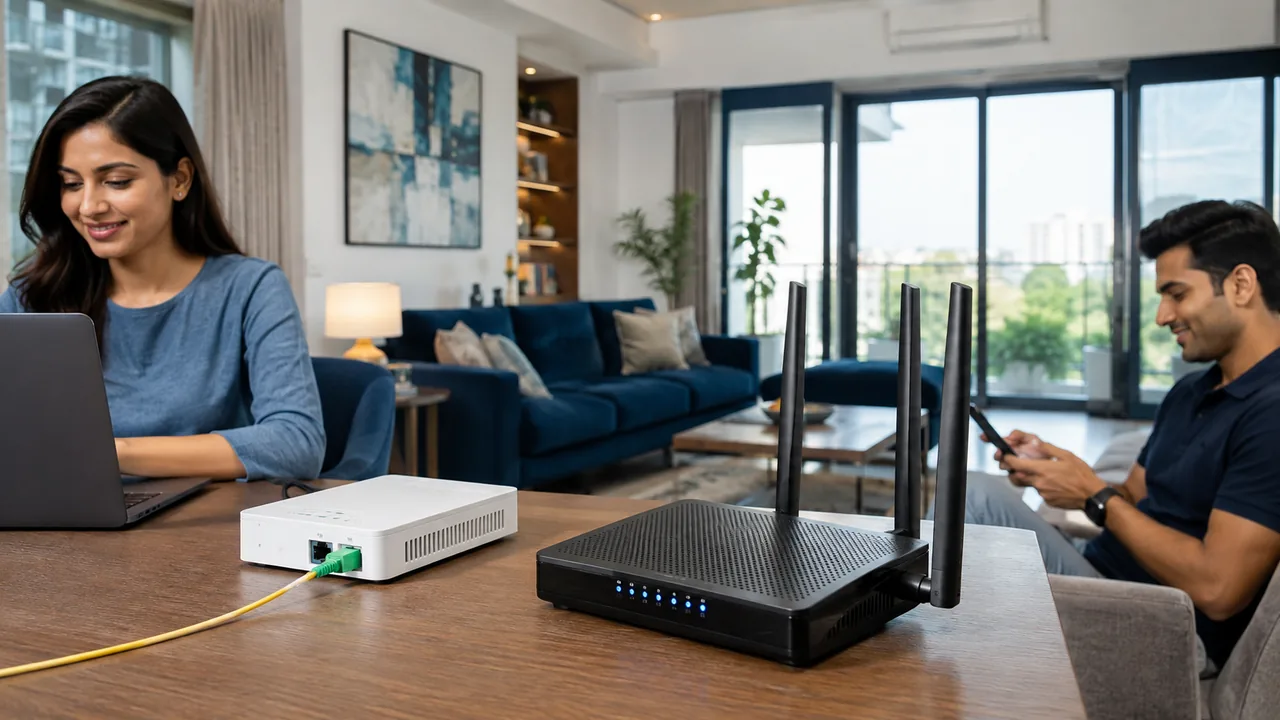
The two Wi-Fi bands serve different needs. In general, 2.4 GHz reaches farther through obstacles, while 5 GHz can offer more capacity nearby. The device and local radio environment influence the result.
Choose by room and device
Use 5 GHz for capable laptops or televisions near the router when it performs well. Try 2.4 GHz for distant or compatible smart-home devices. Band steering can choose automatically on supported routers, but a connection test at the real usage location remains useful. Neither band name is the same as a broadband speed tier, and 5 GHz Wi-Fi is not mobile 5G service.
Compare performance instead of choosing by the label
Band choice is only one part of wireless performance. Device capability, distance, walls, interference and channel use all affect results. Test the same device at its usual position and compare both supported bands where practical. A higher-frequency band that performs well nearby can be less useful through several obstacles.
Some routers combine bands under one network name and steer compatible devices automatically. That can be convenient, but smart-device setup or troubleshooting may require following model-specific instructions. Avoid changing multiple settings at once. Keep a record of the original configuration and verify that essential devices reconnect after any change, including printers, cameras and home-control equipment.
Your practical checklist
- Check device band support.
- Compare both bands at the usage point.
- Distinguish 5 GHz Wi-Fi from mobile 5G.
Frequently asked question
Is 5 GHz Wi-Fi the same as a 5G mobile connection?
No. 5 GHz describes a Wi-Fi radio band. 5G describes a generation of mobile networking; the similar names do not make them interchangeable.
Discuss your connection with Fiber Link
For Paryavaran Complex, share your full address, floor, landmark and expected use. Ask for current availability, the complete payable amount and equipment terms before booking. Installation timing, coverage and any promotional benefits need confirmation for the exact property.
View Paryavaran Complex broadband information · Call 9971524677 · Request a connection