
There is no single provider that is best for every South Delhi address. A useful comparison starts with whether a provider can connect your exact premises, how the cable will reach it and how faults are handled. Treat this page as a buying checklist from Fiber Link Broadband, not an independent league table or a claim that competitors perform worse.
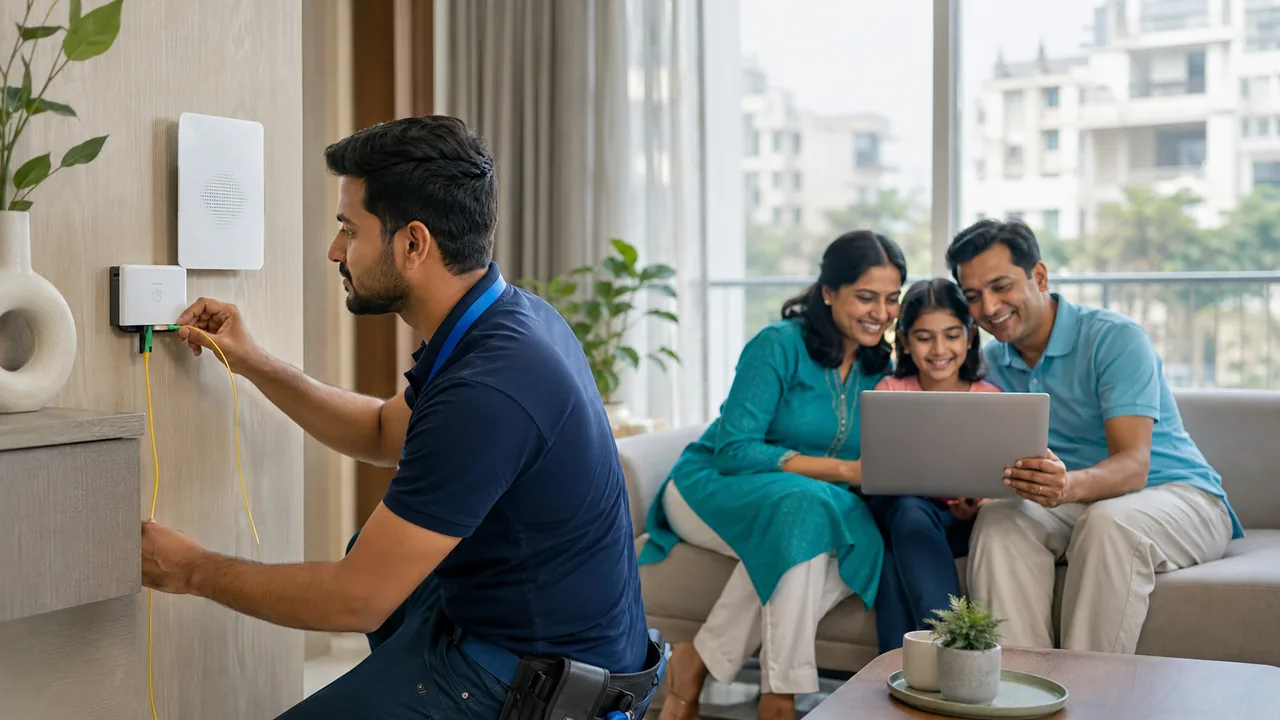
Planning your connection in South Delhi
Ask shortlisted providers the same questions: complete first payment, ongoing bill, equipment ownership, support channel and any usage restrictions. Request evidence relevant to your building where available, such as a feasible route or an installation appointment. A general coverage map cannot establish that a spare port or approved cable path exists at your entrance.
Give support and repair arrangements a place in your decision. Find out who handles an indoor patch cord, an external drop cable and a wider network outage. A third-party technician may help with an authorised physical repair, but the account provider controls service activation and upstream faults. Understanding that boundary prevents unrealistic expectations when comparing offers.
Use the same evidence for each provider
Create a short comparison with columns for exact-address availability, complete first payment, recurring bill, equipment, usage conditions and support. Fill gaps by asking the provider rather than guessing. A neighbour's experience can help you form questions, but it does not establish that your own cable route or account will behave identically.
Check whether the quote covers the indoor network you need. Then ask how physical faults are handled: who owns the drop, who can authorise access and what customer-caused damage may cost. Keep independent repair options separate from official provider support. You are comparing the whole service arrangement at one address, not awarding a city-wide winner based on a speed claim or an unverified rating.
Example: similar speeds, different installation scope
Two providers may offer the same advertised download tier but quote different work. One may place a router at the entry, while another includes cabling to the desk. Write the room-coverage requirement first and ask both to quote it. Then compare equipment ownership, renewal terms and how a damaged drop is handled.
If a neighbour recommends a service, ask which building and setup their experience relates to. Treat it as a useful question prompt, not a substitute for your own feasibility check. A fair choice uses evidence for the address and intended use, rather than an unsupported city-wide ranking.
How a technician makes a fiber joint
A fiber joint reconnects the glass path that carries light. For an appropriate single-mode drop repair, a trained technician can use fusion splicing: the machine aligns prepared fiber ends and joins them with an electric arc. Mechanical splices use a different alignment method and may be selected for particular applications; twisting wires together is not a fiber repair.
- Identify and isolate: establish the affected cable, ownership and safe working access. Test before cutting so healthy neighbouring lines are not disturbed.
- Prepare: remove the damaged section, prepare the cable and strip the required coating. Clean the fibers and use a precision cleaver to create suitable ends, following the equipment instructions.
- Align and fuse: select the correct program for the fiber, inspect the preparation and run the splice. A poor cleave or contaminated end needs re-preparation.
- Protect: fit the splice protector, use the sleeve heater where required and secure the joint in an appropriate tray and enclosure with strain relief.
- Verify: check the optical path and restore service. The machine's estimated splice loss is not a substitute for an optical measurement and a working-connection test.
If the damaged cable has too little sound length, the repair may require a replacement section with more than one joint. The technician must also address the cause of the break. Never look into a fiber end or handle glass scraps; this is trained installation work, not a home repair procedure.
Tools and equipment used for installation and repair
| Equipment | Purpose |
|---|---|
| Cable and fiber strippers; aramid scissors | Prepare the jacket, strength members and coated fiber without damaging the glass. |
| Approved cleaner, lint-free wipes and precision cleaver | Prepare clean, correctly cleaved fiber ends for joining. |
| Fusion splicer and sleeve heater | Align and join compatible fibers, then protect the splice. |
| Protectors, splice tray, closure and cable fixings | Keep the joint supported and protected for its indoor or outdoor location. |
| Optical power meter and suitable test source | Measure optical power or link loss with compatible wavelengths and adapters. |
| Visual fault locator; OTDR when appropriate | Help trace continuity issues or locate optical events. Not every short drop repair needs an OTDR. |
| ONT, router, Ethernet cable and test device | Activate the service and check the usable connection after optical work. |
| Eye protection and fiber-scrap container | Control the hazards from small glass fragments during preparation. |
This describes a typical professional workflow, not a promise that every tool is carried to every visit. Ask which diagnosis and tests your quoted job includes. See the FOA installer toolkit reference and fusion-splicing guide for background.
Installation and fiber-repair timing
Planning estimates, not guaranteed appointment or repair times: a straightforward new drop installation may take roughly 2–4 hours on site once feasibility, permission and materials are ready. An accessible, simple drop-cable repair may take around 1–2 hours on site. These are illustrative allowances, not measured Fiber Link service commitments; ask for an estimate after diagnosis.
The arc that forms a joint is only one short step. Locating damage, gaining access, preparing cable, protecting the splice, measuring the optical path and confirming activation take additional time. A new cable route, several breaks, shared-network work or unavailable access can require a longer visit or another day. Appointment waiting time and provider-side activation are separate from hands-on work.
Fiber-break help for Airtel, Jio, Excitel and ACT connections
Fiber Link Broadband accepts enquiries for independent physical fiber-break and jointing work on Airtel, Jio, Excitel and ACT connections, subject to the location, diagnosis and permission to work on the affected cable. Share your current provider, exact address, ONT indicator status and a safe photo of visible damage when requesting a visit.
This is not a claim of official affiliation or authorised-provider status. Provider-owned cable and shared equipment require the network owner's approval; customer-owned sections also need the relevant property permission. Raise a ticket with your account provider first for its network. Billing, ONT registration, account restrictions and upstream outages remain with that provider. Agree the physical repair scope and quote before work; a splice cannot fix those account or network-control issues.
Questions before booking
Can this guide rank competitors objectively?
This is Fiber Link Broadband's own guide. It does not provide independently measured rankings for Airtel, Jio, Excitel, ACT or other companies. Compare current written offers and address-specific evidence.
Ask for an address check or repair assessment
Call 9971524677 or message Fiber Link Broadband. Include your full South Delhi address, floor, entrance, preferred access window and whether the enquiry is for a new connection or a fiber break. Confirm the current plan, complete charges and job scope before payment.
Conclusion
Make the decision using your actual requirements, address and written terms. Verify indoor coverage and complete payable charges before booking.