A broadband checklist helps you organise the steps between an availability enquiry and a usable connection. Keep the full address, payment terms and installation details together so you can refer to them during the visit.
Move through four clear stages
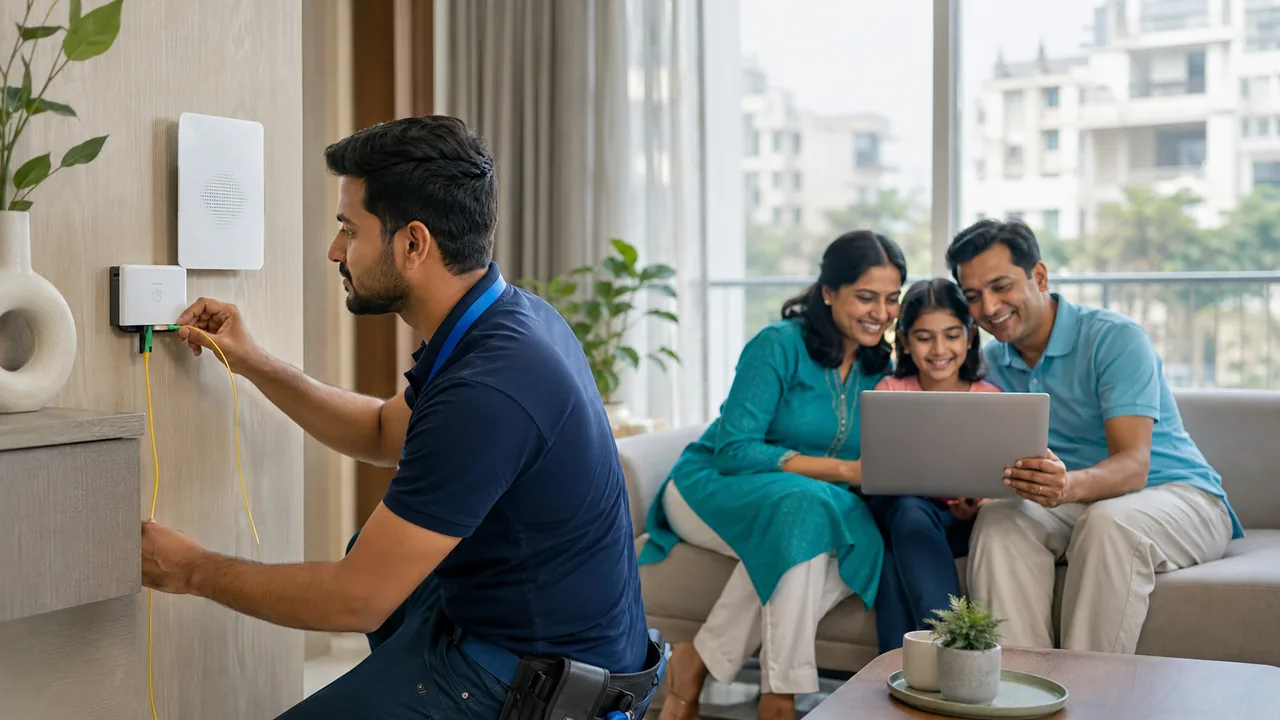
First confirm the building and floor are serviceable. Next choose the plan and obtain the full payable amount. Then prepare access, power and the agreed cable route. Finally test the connection, record equipment details and save the support number. Treat activation as complete only after the devices and rooms you depend on have been checked.
Define the handover before the visit
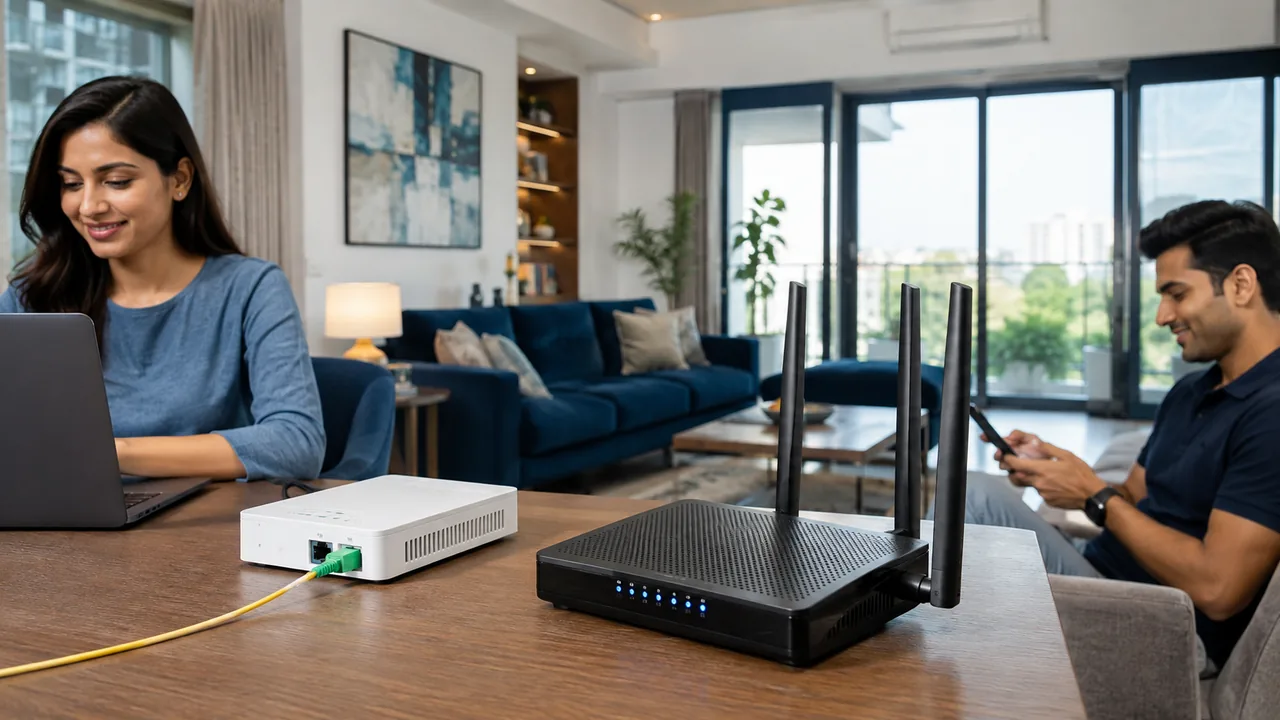
Write down the essential acceptance checks before installation: account activation, a suitable wired test, Wi-Fi at the work and study positions, and access to the applications you rely on. Agree how unresolved indoor coverage will be handled. A light on the router confirms only part of the process; it does not demonstrate that every room is usable.
Keep the quotation, receipt, account reference and equipment terms together. Ask which items are borrowed and how a future cancellation or move is handled. Record the normal indicator behaviour and support contact. After the first evening of ordinary use, note any recurring issues with time and location so the provider can investigate a specific pattern instead of a vague report.
Your practical checklist
- Confirm address and written terms.
- Prepare access and power.
- Complete wired and room-by-room tests.
Frequently asked question
What records should I keep after activation?
Keep the account reference, accepted quotation, receipt, equipment ownership or deposit terms, support contact and any unresolved installation notes.
Discuss your connection with Fiber Link
For Freedom Fighters Enclave, share your full address, floor, landmark and expected use. Ask for current availability, the complete payable amount and equipment terms before booking. Installation timing, coverage and any promotional benefits need confirmation for the exact property.
View Freedom Fighters Enclave broadband information · Call 9971524677 · Request a connection