
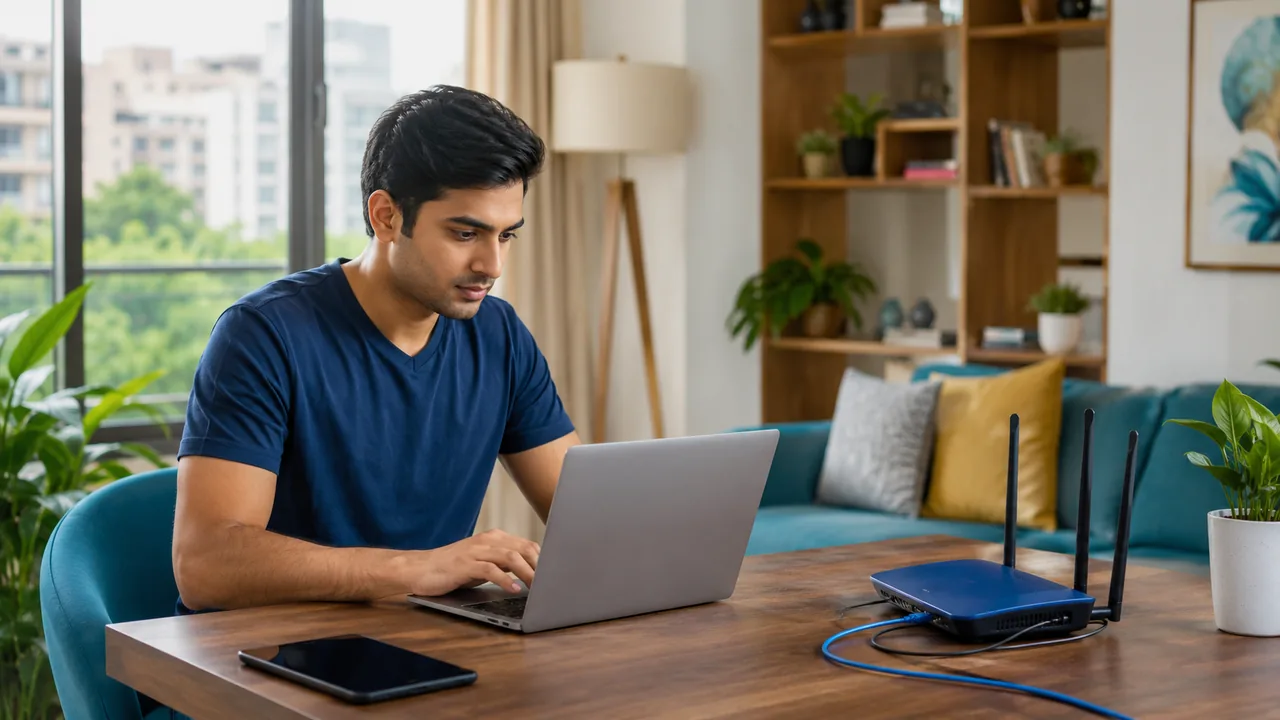
A short troubleshooting routine can distinguish a Wi-Fi issue from a service interruption. Start by noting what failed and when, then test without repeatedly changing settings that could hide the original problem.
Use a repeatable fault record
Record whether one app, one device or the whole home is affected. Check power and visible cable connections without opening equipment or looking into fiber connectors. Restart once according to the equipment instructions, then allow it to reconnect. If the fault continues, share the timestamp, indicator lights and wired-versus-wireless results with support.
Escalate with evidence and avoid unnecessary resets
Start by checking power and whether other devices show the same symptom. Compare a known working application with the affected one. If possible, use a wired device to separate the incoming connection from Wi-Fi. Note the time, router and optical-terminal indicators, and any recent changes. One controlled restart may help, but repeated restarts can make an intermittent fault harder to observe.
Do not factory-reset provider equipment unless support directs you and confirms how configuration will be restored. Never look into a fiber connector or attempt optical repairs. Contact Fiber Link with the account reference, affected address, tests performed and the problem timeline. Keep the complaint reference and add new observations to it rather than opening unrelated reports without the previous context.
Your practical checklist
- Note the scope of the failure.
- Check power and visible connections.
- Send support a concise fault record.
Frequently asked question
What should I send support when the problem is intermittent?
Send timestamps, affected devices, indicator status and wired-versus-Wi-Fi results. Include whether one application or the entire connection fails and whether power changed at the same time.
Discuss your connection with Fiber Link
For Westend Marg, share your full address, floor, landmark and expected use. Ask for current availability, the complete payable amount and equipment terms before booking. Installation timing, coverage and any promotional benefits need confirmation for the exact property.
View Westend Marg broadband information · Call 9971524677 · Request a connection