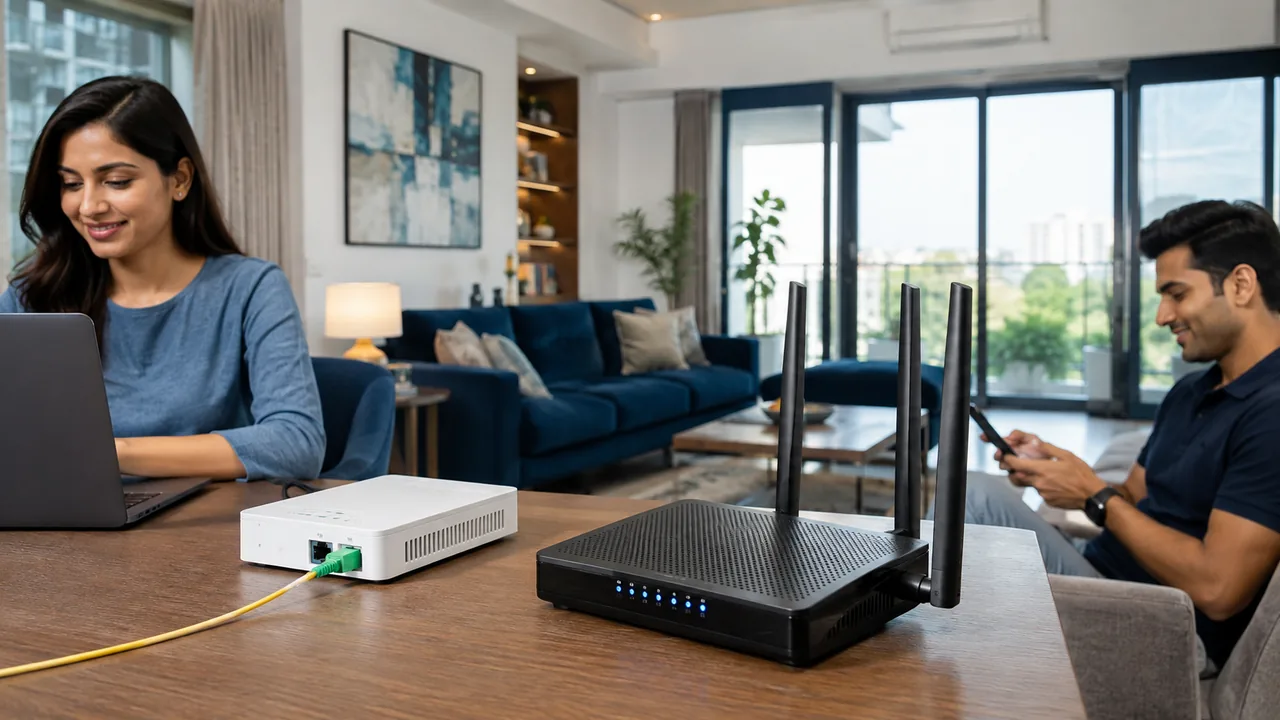
Fiber and cable broadband describe different access technologies. Their actual packages can vary in speed, upload capacity and service conditions, so the technology name should begin a comparison rather than end it.
Ask what reaches the property
Confirm whether the final link is optical fiber or coaxial cable and what equipment is installed indoors. Compare the offered download and upload rates, data policy and address-specific availability. Both services may use Ethernet and Wi-Fi within the home. Judge the complete package and support arrangements rather than assuming every fiber package outperforms every cable package in every circumstance.
Separate the outside connection from indoor Wi-Fi
The last-mile technology describes how service reaches the premises. The indoor network then carries it to phones, computers and televisions through Ethernet or Wi-Fi. These layers can have different limits. A good incoming connection does not eliminate a weak wireless path, and a new router cannot fix every fault on the provider's line.
Ask for the package's actual speeds, data conditions and equipment requirements rather than choosing from a technology label alone. Check installation feasibility, total cost and support arrangements at the address. During testing, use a wired baseline to evaluate the access service, then assess wireless coverage separately. This makes it easier to identify which part needs improvement if everyday performance disappoints.
Your practical checklist
- Identify the final access link.
- Compare the actual upload and download terms.
- Assess indoor networking separately.
Frequently asked question
Is Wi-Fi the same thing as the broadband access technology?
No. Wi-Fi usually connects devices inside the property. Fiber, cable or a wireless provider link describes how internet service reaches that property.
Discuss your connection with Fiber Link
For your home or workspace, share your full address, floor, landmark and expected use. Ask for current availability, the complete payable amount and equipment terms before booking. Installation timing, coverage and any promotional benefits need confirmation for the exact property.
View current broadband plans · Call 9971524677 · Request a connection