
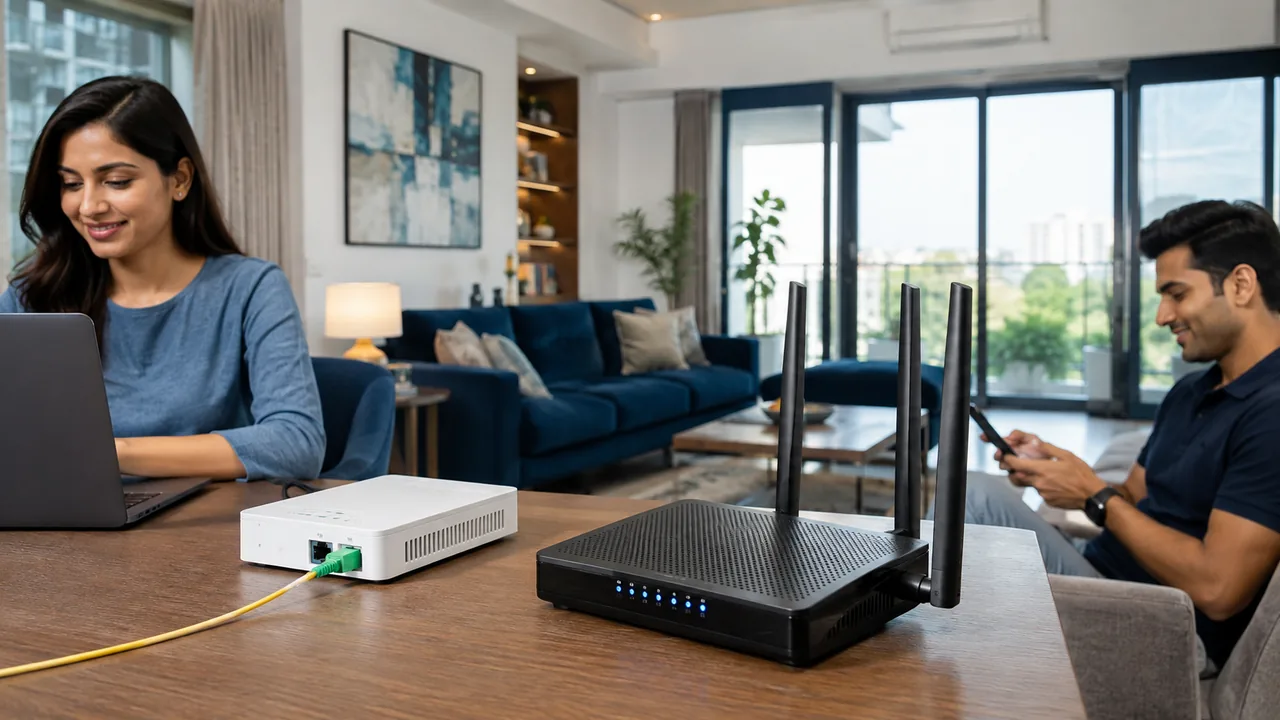
Guest Wi-Fi should offer visitors internet access without exposing internal devices. A separate network name is helpful, but actual isolation settings determine whether guests can reach printers, tills or other clients.
Verify the boundary
Enable the router's guest isolation features and test from a guest device that internal resources are not reachable. Use a password and sharing method appropriate to your business, and review access regularly. Apply reasonable bandwidth controls if supported. Keep the router administration interface restricted to authorised staff and avoid placing management credentials on customer-facing notices.
Keep network access and administration separate
The Wi-Fi password allows a device to join a network; the administrator password controls its configuration. Use different strong credentials and keep the management login restricted. Apply supported firmware updates and choose modern security modes that the required devices support. If a legacy device prevents a stronger mode, consider a separate network or an equipment update rather than weakening everything without review.
Guest isolation and separate network names are not identical features. Test that the guest device cannot reach private resources that should remain protected. Review remote administration, unnecessary sharing and old accounts periodically. Keep recovery details secure and document authorised changes so a future support visit does not require guessing how the network was configured.
Your practical checklist
- Enable and test guest isolation.
- Restrict router administration.
- Review guest access and bandwidth limits.
Frequently asked question
Does changing the Wi-Fi name alone make a network secure?
No. Credentials, encryption, firmware, isolation and administrator access all matter. A network name is mainly an identifier.
Discuss your connection with Fiber Link
For Saidulajab, share your full address, floor, landmark and expected use. Ask for current availability, the complete payable amount and equipment terms before booking. Installation timing, coverage and any promotional benefits need confirmation for the exact property.
View Saidulajab broadband information · Call 9971524677 · Request a connection
