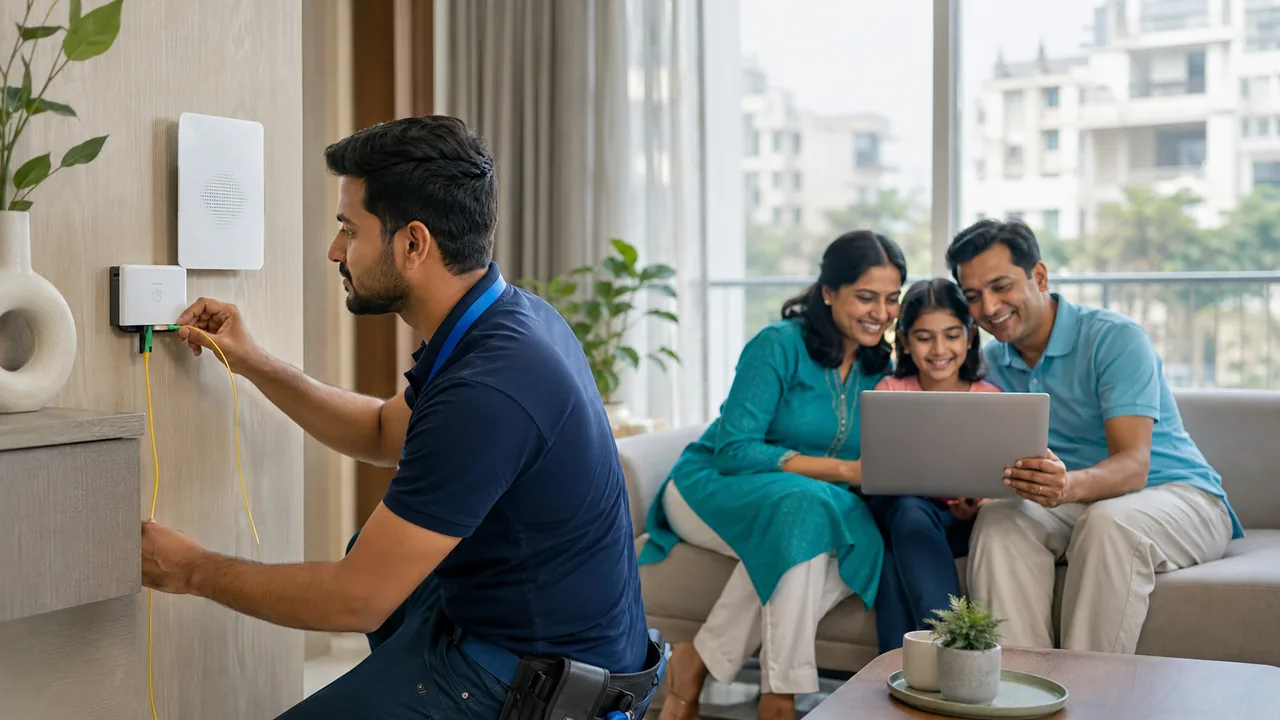
A speed test is most useful when its conditions are recorded. Device capability, Wi-Fi distance, background downloads and the selected test server can all change the result without the broadband plan changing.
Create a repeatable baseline
Use a capable wired device where possible, pause avoidable transfers and note the time and test server. Record download, upload and latency, then repeat from your normal Wi-Fi position. Run a small number of comparisons at relevant times instead of repeatedly testing without changing anything. Share both good and bad results with support to show the pattern.
Record enough context to repeat the test
Use the same capable device and note whether it is connected by Ethernet or Wi-Fi. Record the server, time, download rate, upload rate and latency. Pause avoidable background transfers for the baseline, then test normal use separately. A VPN can change the route and result, so record whether it is enabled rather than mixing those results without explanation.
Compare the baseline with the actual room and application where the problem occurs. Short tests cannot guarantee sustained performance throughout the day, but a small set of consistent measurements can reveal a pattern. Share that pattern with support, including healthy results for comparison. Avoid drawing a conclusion from one screenshot taken on an unknown device at an unknown distance from the router.
Your practical checklist
- Record device connection and server.
- Measure download upload and latency.
- Compare wired and normal-room results.
Frequently asked question
Should Wi-Fi and wired speed tests be expected to match exactly?
No. Wireless conditions and device capabilities introduce additional limits. Use the wired result as one baseline, then evaluate whether Wi-Fi meets the room's actual needs.
Discuss your connection with Fiber Link
For IGNOU Road, share your full address, floor, landmark and expected use. Ask for current availability, the complete payable amount and equipment terms before booking. Installation timing, coverage and any promotional benefits need confirmation for the exact property.
View IGNOU Road broadband information · Call 9971524677 · Request a connection