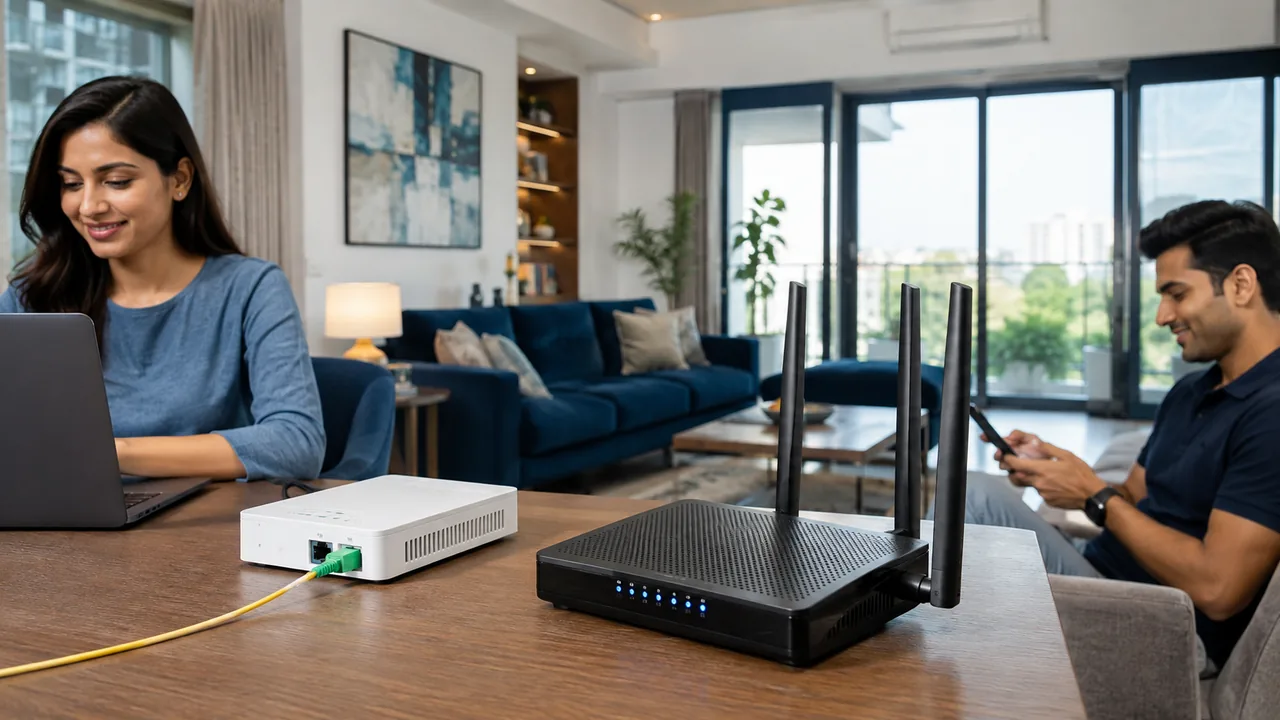
A router backup can keep local equipment powered, but internet service also depends on the optical terminal and the provider's upstream network. Buying backup power for only one box may leave the connection unusable during a cut.
Match every powered component
List the router and optical-terminal voltage, current requirements, connector size and polarity from their labels. Use a compatible backup device and follow its instructions. Check whether both units need separate outputs and test the setup by safely switching off mains supply to the adapters. Measure useful runtime under normal use rather than relying only on a battery-capacity claim.
Check electrical compatibility before connecting a backup
Use the device labels and backup manufacturer's instructions to match output voltage, polarity, connector and required current. A physically fitting plug does not prove electrical compatibility. Avoid improvised wiring and overloaded adapters. If the optical terminal and router are separate, make sure the backup arrangement can power both appropriately.
Battery runtime depends on load, battery condition and conversion losses. Test it under normal operation rather than assuming a headline capacity guarantees a particular duration. Local Wi-Fi may remain visible even when the upstream provider network is unavailable. Keep essential client devices charged as well, and maintain a tested mobile alternative when uninterrupted access is important.
Your practical checklist
- Read both equipment power labels.
- Verify voltage and connector compatibility.
- Test runtime and upstream availability.
Frequently asked question
Why is Wi-Fi visible during a power cut but internet unavailable?
The router may be powered while the optical terminal or upstream network is not. A visible wireless network alone does not prove an active internet path.
Discuss your connection with Fiber Link
For Neb Sarai, share your full address, floor, landmark and expected use. Ask for current availability, the complete payable amount and equipment terms before booking. Installation timing, coverage and any promotional benefits need confirmation for the exact property.
View Neb Sarai broadband information · Call 9971524677 · Request a connection