
On this page
A strong WiFi password is only part of a secure home setup. Router administration, device updates and access granted to visitors also matter. Keep a record of settings you need before making changes so you can restore connectivity if necessary.
Computer and laptop support includes malware assessment, operating-system updates and backup setup with your permission.
All Fiber Link broadband plans
Compare the monthly plans listed on our broadband plans page.
| Plan | Speed | Monthly price | Included benefits | Availability |
|---|---|---|---|---|
| Fiber Start | 100 Mbps | ₹499/month | Unlimited data, free installation, 24×7 customer support | Enquire |
| Fiber Plus | 200 Mbps | ₹699/month | Unlimited data, free installation, 24×7 priority support | Enquire |
| Fiber Pro | 300 Mbps | ₹799/month | Unlimited data, free installation, 24×7 priority support | Enquire |
| Fiber Ultra | 500 Mbps | ₹1,699/month | Unlimited data, free installation, 24×7 priority support | Enquire |
Router and billing terms: 5G dual-band Wi-Fi router refundable security applies. Confirm the deposit, applicable taxes, billing period, complete first payment and installation feasibility for your address before booking. Terms apply.
Business leased line: Custom bandwidth, equal upload and download speeds, SLA-backed uptime, static IP options and priority local support. Call 9971524677 for a custom quote.
Compare monthly broadband plans
Compare simultaneous activities, not just the number of devices. Confirm taxes, the billing period and equipment security before treating a monthly price as the total first payment.

Installation, router and payment details
Standard installation
Advertised free installationConfirm the included work and cable route for your building. Approve any non-standard cabling or extra equipment separately.
Dual-band Wi-Fi router
Refundable securityAsk for the deposit amount, equipment return conditions and refund process. Keep the receipt and handover details.
First payment and renewal
Request an itemised quoteSeparate the subscription, refundable deposit, applicable taxes and approved extras. Confirm the next renewal date and amount.
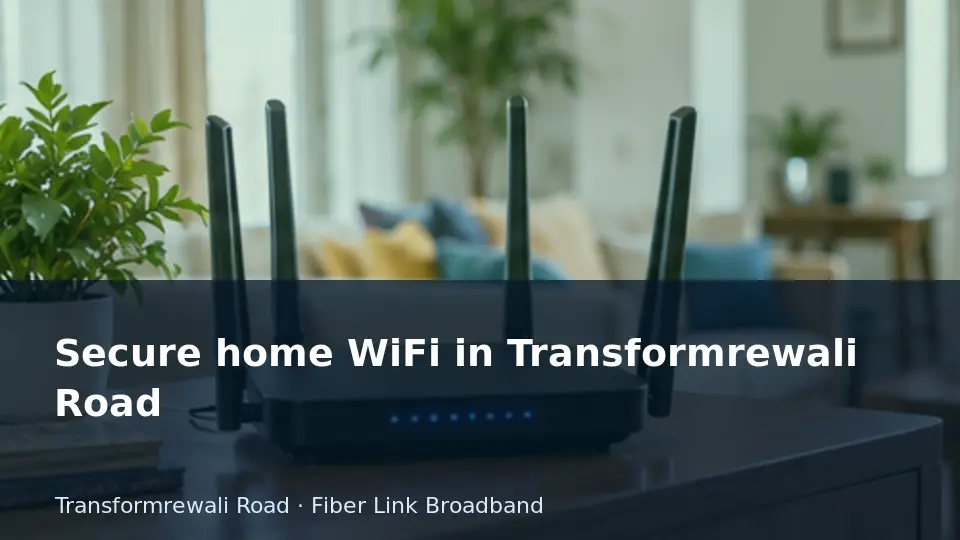
Secure the router and the computers together
- Use different strong passwords for WiFi access and router administration.
- Apply updates through the manufacturer’s supported process.
- Use a guest network where available and remove access that is no longer needed.
Use the result to choose the next step: a connection enquiry, an indoor-network review or a device assessment. Avoid changing several settings at once, because that makes the cause harder to identify.
A backup makes other work feel slower
Example situation: Pause the backup briefly for a controlled comparison if it is safe to do so. Upload traffic can compete with calls and interactive work. Schedule the transfer appropriately and confirm completion rather than disabling backups altogether.
Useful details for the service request: Record the backup application, approximate file size and time when the effect appears.
A computer is nearly out of storage
Example situation: Check what is taking space before deleting anything. Keep a verified copy of important files and identify application requirements. A full drive can disrupt updates and normal work even with a healthy broadband connection.
Useful details for the service request: Provide available capacity and describe the files or applications that must be preserved.
Details to collect before contacting us
| Record | What to include |
|---|---|
| Service location | Transformrewali Road: complete building, lane, floor, unit and map pin. Mention permission or access restrictions. |
| Main decision | Secure the router and the computers together. Use different strong passwords for WiFi access and router administration. |
| Device evidence | Record the backup application, approximate file size and time when the effect appears. |
| Second check | Provide available capacity and describe the files or applications that must be preserved. |
| Requested work | Backup scheduling and network review; Storage cleanup planning and SSD upgrade assessment. Confirm the quotation and what is included before authorising work. |
Computer and laptop services in Transformrewali Road
Fiber Link Broadband provides computer and laptop services for customers enquiring from Transformrewali Road. For this guide, the most relevant starting point is backup scheduling and network review. Tell us the device model and symptoms so we can confirm the right service arrangement.
- Hardware diagnosis and repairs
- Desktop and laptop fault diagnosis; screen, keyboard, battery, charging, power and motherboard assessment. Repair options depend on the model, fault and parts availability.
- Software and operating systems
- Operating-system installation or repair, drivers, application setup, updates and malware assessment. Required software licences remain part of the agreed scope.
- Performance and upgrades
- RAM and SSD compatibility checks, slow-system diagnosis, cooling inspection, cleaning and upgrade installation after approval.
- Files and data
- Backup setup, migration and data recovery assessment. Recovery is not guaranteed; agree on privacy and data-handling requirements before work.
- Networking and peripherals
- Router and WiFi setup, LAN troubleshooting, computer network adapters, printers, scanners, webcams and other supported peripherals.
- Ongoing maintenance
- Home and office maintenance enquiries, periodic servicing and multi-device support. Request the visit scope, service arrangement and quotation before booking.
Before work starts, request the diagnosis scope, labour and parts estimate, expected turnaround and any repair warranty in writing. Back up important files where possible. Repairs, replacement parts and software work require your approval; do not send passwords in an initial enquiry.
Before the connection is handed over
For Transformrewali Road, confirm building access and the router position before installation. Test the rooms or desks where you will use the connection, then compare Wi-Fi with a suitable wired test where possible.
- Keep subscription and equipment receipts, the support contact and renewal details.
- Ask for a separate quote if extra access points or cabling are needed.
- If a problem affects only one device, compare it with another device before changing the plan.
Questions about this service
What is the first check for this guide?
Use different strong passwords for WiFi access and router administration.
Should I book broadband support or computer service?
Pause the backup briefly for a controlled comparison if it is safe to do so. Upload traffic can compete with calls and interactive work. Schedule the transfer appropriately and confirm completion rather than disabling backups altogether.
How do I request computer or laptop service in Transformrewali Road?
Call 9971524677 or 9990881098. Provide your Transformrewali Road address, device model and symptoms. Ask for the assessment scope and estimate; do not share passwords.
Do you also offer 1 Gbps connectivity?
Yes. Fiber Link Broadband offers 1 Gbps for leased-line customers through a separate business quotation. Standard broadband plans go up to 500 Mbps. Confirm address feasibility and service terms.
Discuss your connection and device requirements
For Transformrewali Road, send the building address, floor, map pin and access details. State whether you need broadband, a 1 Gbps leased line or computer/laptop service. Appointment timing, parts availability and the final scope need confirmation.
Call 9971524677 · Call 9990881098 · Send your service enquiry on WhatsApp
Conclusion
Keep access controlled and software maintained. Speed and security are different requirements, so review router settings alongside your broadband plan.