
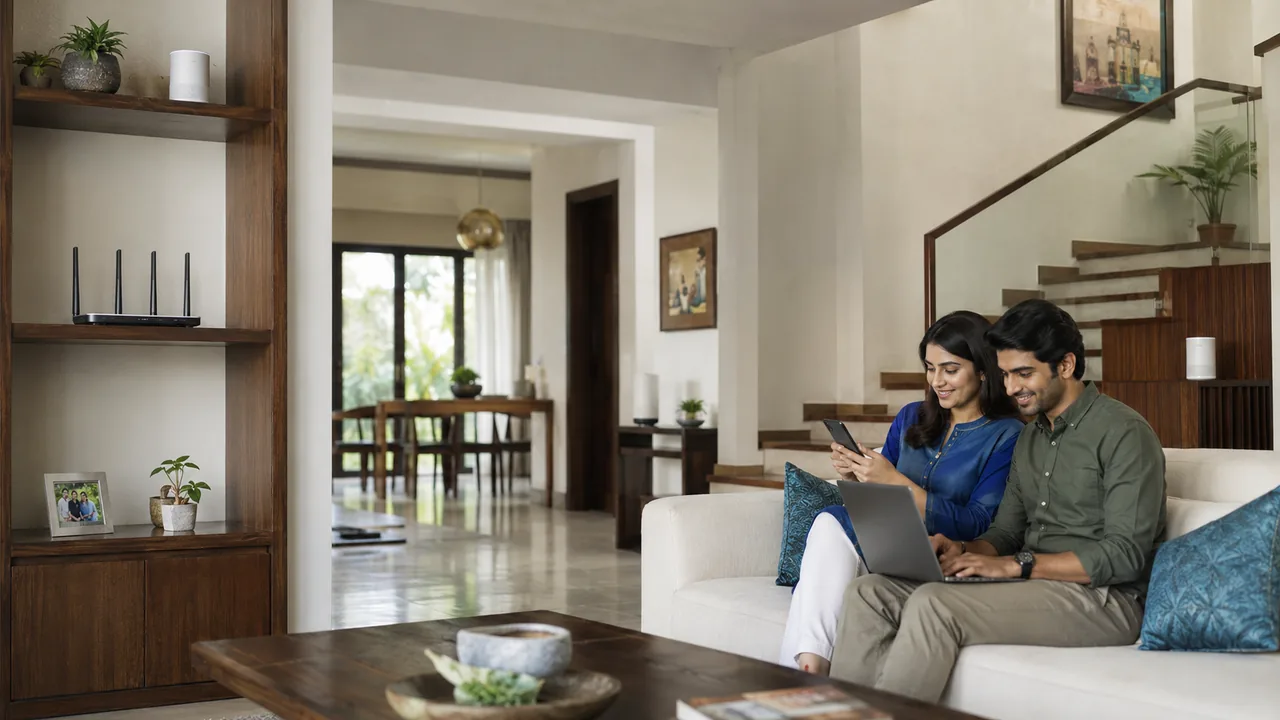
Router placement affects the rooms where you can actually use your broadband speed. A convenient shelf near the fiber entry point may be a poor location if most daily activity happens at the far end of the flat.
Choose a position around people and walls
Start with an open, elevated location near the centre of the areas you use. Avoid closed cupboards, metal cabinets and the space behind a television. Test with bedroom doors in their usual positions. If moving the router requires extending the fiber, let the provider arrange it; use an appropriate Ethernet link to reposition an access point where practical.
Check the result from the device location
Wireless coverage depends on the path between the router and each device. Walls, metal objects, enclosed cabinets and nearby interference can weaken that path. Start with an open location and adequate ventilation, then compare the same device near the router and in the rooms you use. Keep furniture and doors in their usual positions so the test reflects everyday conditions.
Placement changes should not damage or overstretch the incoming fiber. If the optical terminal cannot move, a suitable Ethernet cable may allow a separate access point to be positioned more usefully. For a long or obstructed home, one central router may still be insufficient. Add coverage equipment only after identifying the weak areas and planning how that equipment connects back to the main router.
Your practical checklist
- Mark work and study rooms.
- Test with doors normally positioned.
- Keep equipment open and ventilated.
Frequently asked question
Should I put a router inside a cupboard to hide it?
An open, ventilated position usually works better. Cabinets can obstruct radio signals and trap heat; test the intended location before making it permanent.
Further reading: Router placement guidance. Requirements checked 15 October 2026.
Discuss your connection with Fiber Link
For Freedom Fighters Enclave, share your full address, floor, landmark and expected use. Ask for current availability, the complete payable amount and equipment terms before booking. Installation timing, coverage and any promotional benefits need confirmation for the exact property.
View Freedom Fighters Enclave broadband information · Call 9971524677 · Request a connection