
Quick answer: A good Wi-Fi provider should deliver a stable fiber line and help you plan the wireless setup inside the property. Fiber Link Broadband provides address checks for Paryavaran Complex with 100, 200 and 300 Mbps plan options from ₹499.
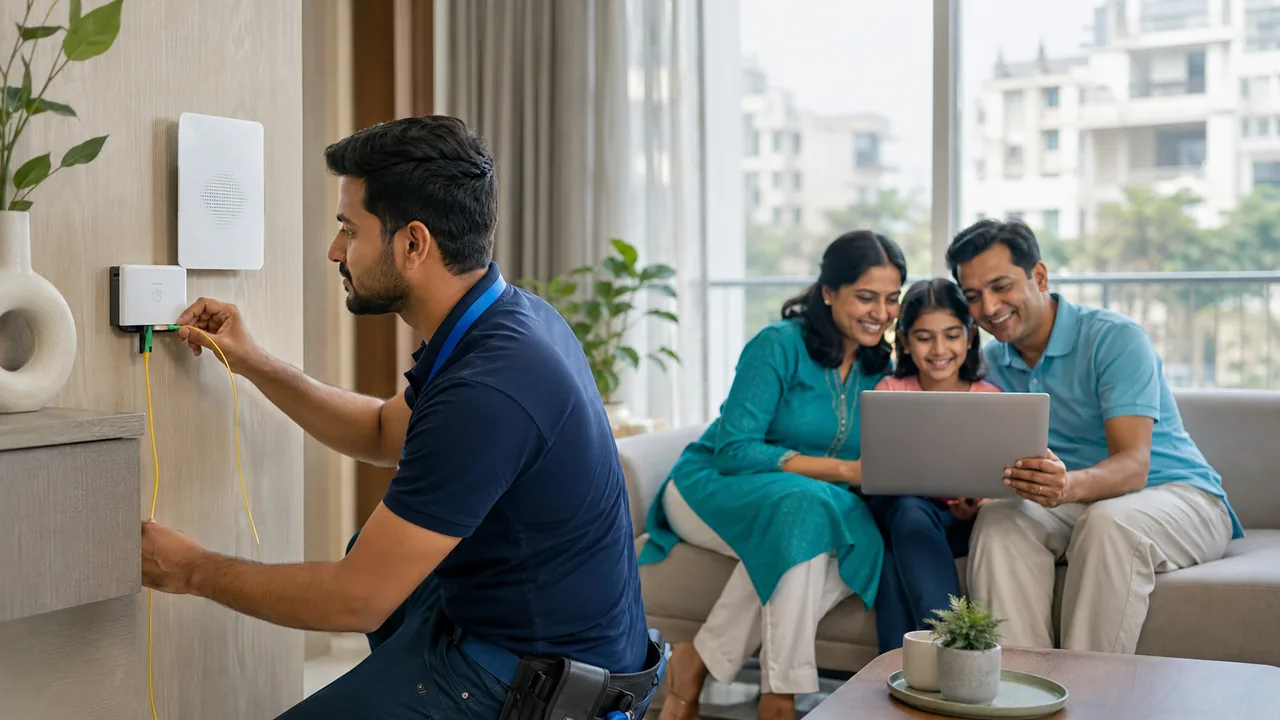
Check availability in your Paryavaran Complex block
Share your exact address near Block A/B/C, IGNOU Main Road, Saket Metro Station side or the Saidulajab–Neb Sarai boundary. Get the plan and route details before paying.
WhatsApp 9971524677Fiber plan comparison: speed, price and daily use
Choose a broadband tier by the number of people active at the same time. Count laptops, TVs, phones, cameras, cloud backups and game downloads during the busiest evening or work period—not every device that is merely connected.
| Plan | Best for | Monthly price | Suitable uses |
|---|---|---|---|
| 100 Mbps | 1–3 active users | ₹499 | Online classes, video calls, HD streaming, browsing and normal home use |
| 200 Mbps | Busy family or shared flat | ₹699 | Multiple meetings, 4K streaming, gaming and several connected devices |
| 300 Mbps | Heavy multi-user use | ₹799 | Large downloads, content uploads, gaming, 4K streams, CCTV and home office use |
Prices shown are the website’s listed monthly plan prices. Availability, taxes, installation, router and route-specific terms should be confirmed before activation.
Hyperlocal coverage: landmarks and address clarity
Paryavaran Complex searches often use blocks, apartment names and nearby roads interchangeably. Mentioning a precise landmark helps the installation team distinguish the IGNOU Main Road approach, the Saket Metro Station Gate 2 and Saidulajab side, and lanes described as being near the Neb Sarai boundary.
| Local reference | Why it matters | Details to send | Availability action |
|---|---|---|---|
| Paryavaran Complex Blocks A/B/C | Block and building entry affect the fiber route | Block, house/building, floor and map pin | Request address-level feasibility |
| IGNOU Main Road side | Useful landmark for approach and technician navigation | Nearest gate, shop, lane or apartment name | Confirm the closest active route |
| Saket Metro Station Gate 2 / Saidulajab side | Helps distinguish boundary lanes and access direction | Exact lane, floor and nearby landmark | Do not rely only on the locality name |
| Saidulajab–Neb Sarai boundary | Addresses can be described differently by residents and maps | PIN code, map pin and a recognisable local point | Verify before booking or paying |
Internet service and Wi-Fi coverage are two different jobs
The fiber line brings internet to the ONT or router. Wi-Fi then distributes that connection through rooms. A service can be healthy at the router while one bedroom remains slow because of thick walls, distance, neighbouring networks or poor placement.
When comparing providers, ask how the incoming line is tested and how the router location is chosen. The ideal location is usually open, elevated and near the centre of daily use rather than beside the entrance simply because the cable reaches there first.
What to compare between local Wi-Fi providers
- Exact monthly price, taxes and renewal terms for the selected speed.
- Fiber route availability for your block, floor and building entrance.
- Router model, dual-band support and ownership or security terms.
- Complaint channel, local technician access and information required for support.
- Options for extra rooms, another floor, CCTV or a fixed office desk.
Why FTTH and in-home Wi-Fi planning both matter
FTTH carries the internet signal over optical fiber to the premises. It is designed for high capacity and is not affected by electrical interference in the way older copper delivery can be. The optical cable, ONT and power supply still need safe installation and protection from sharp bends, crushing, water and accidental pulling.
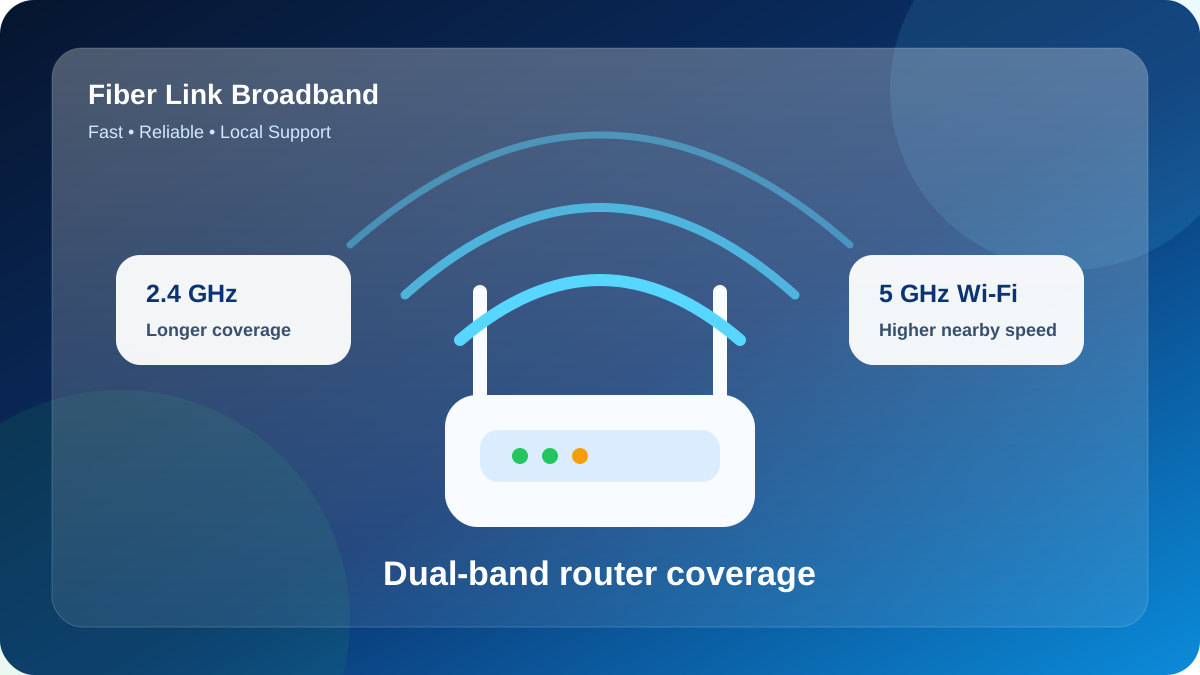
Inside the property, the router controls wireless coverage. Use 5 GHz for fast nearby laptops, TVs and phones; use 2.4 GHz for longer range and low-demand devices. Thick concrete, long corridors and another floor may require an Ethernet-fed access point or a carefully placed mesh node.
Simple diagnosis example
If speed is good beside the router but poor in a back bedroom, the incoming fiber may be healthy and the problem may be Wi-Fi coverage. If every device is slow beside the router, test with Ethernet or 5 GHz, stop background downloads and report the time, ping, download and upload result.
How to get installed without avoidable delays
- Send the complete location: Block, building or house number, floor, landmark, map pin and PIN 110030.
- Confirm permission: Tenants and PG residents should check cable entry, drilling and common-area rules with the owner or manager.
- Verify the route: The field team checks whether an active fiber path can safely reach the premises.
- Select the plan: Match 100, 200 or 300 Mbps to simultaneous users and important activities.
- Choose the router position: Prefer an open, central, elevated place with power and ventilation.
- Test before completion: Check near-router performance and the rooms used for work, study, TV and gaming.
Local E-E-A-T and proof to look for
For a local broadband decision, useful proof includes a real installation photo from the area, a speed-test screenshot that states whether it was Ethernet or Wi-Fi, clear plan and equipment terms, a payment receipt and a reachable official support number. A single speed-test image is not a guarantee for every address, but transparent testing is stronger than an unsupported claim.
- Ask the provider to explain the cable path and router location.
- Keep the selected speed, price, start date and equipment terms in writing.
- Test upload, ping and normal-use rooms, not only download beside the router.
- Use the official phone or WhatsApp number for payment and support verification.
Get a local fiber availability check
Send your exact Paryavaran Complex address, floor and nearby landmark. Fiber Link Broadband will confirm feasibility and explain the suitable plan and Wi-Fi setup.
WhatsApp 9971524677FAQs: WiFi internet service provider in Paryavaran Complex
What is the difference between fiber internet and Wi-Fi?
Fiber is the wired broadband connection arriving at the property. Wi-Fi is the wireless signal created by the router inside the home or office.
Which Wi-Fi band should I use?
Use 5 GHz for higher speed near the router and 2.4 GHz for longer reach or low-demand devices. Test both bands in the rooms that matter.
Can one router cover a multi-floor builder floor?
Sometimes, but concrete floors often weaken Wi-Fi. A wired access point or carefully placed mesh node is usually more reliable for another floor.
How do I check Fiber Link Broadband availability?
Send your house number, block, floor, nearby landmark and map pin to 9971524677. Feasibility is confirmed for the exact address.
Should I buy my own router?
That depends on the provided equipment and your coverage needs. Confirm compatibility, ownership, support responsibility and whether an additional access point is required.
Conclusion
Make the decision using your actual requirements, address and written terms. Verify indoor coverage and complete payable charges before booking.