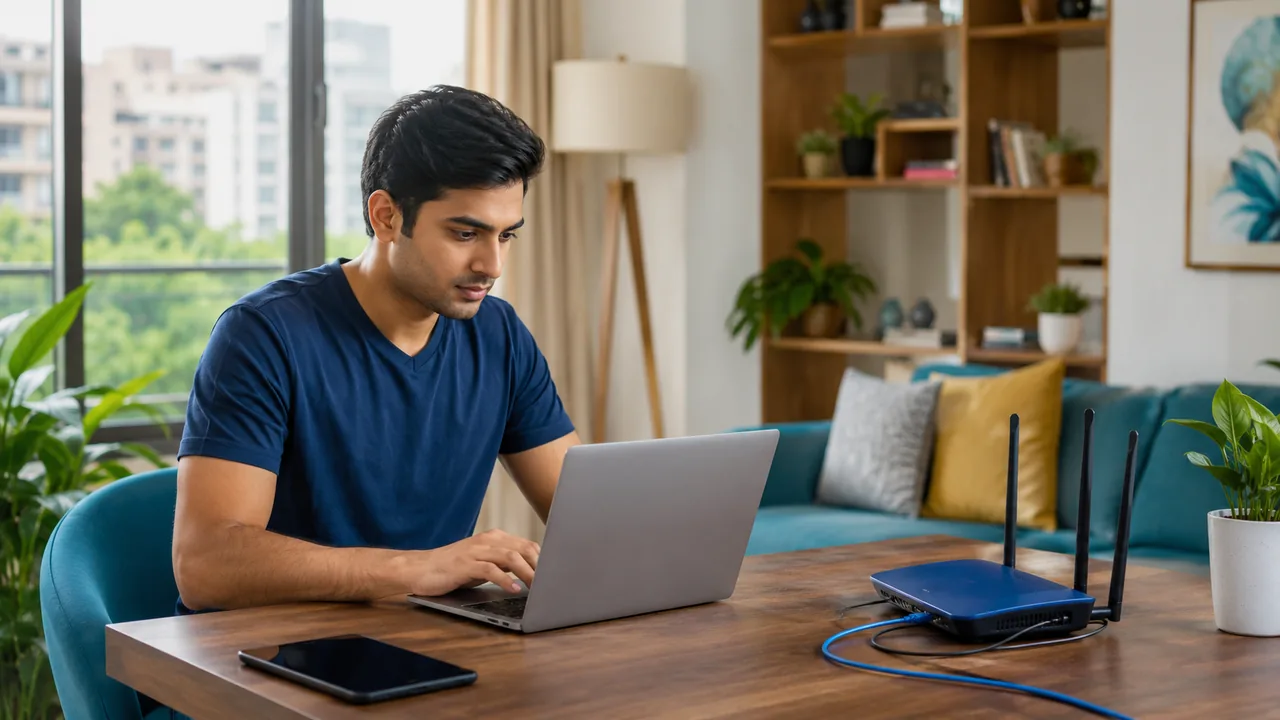
The right router depends on apartment layout, device capabilities and the broadband plan. A large advertised wireless speed is an aggregate product rating, not a promise that every phone will reach that speed in every room.
Check compatibility before buying
Ask Fiber Link which equipment is supplied and whether a separate router is supported. Look at Ethernet port speeds, dual-band support, security updates and the number of useful access-point locations. A long apartment with several walls may benefit more from an additional access point than from one expensive router placed at the entrance.
Buy for compatibility and the real layout
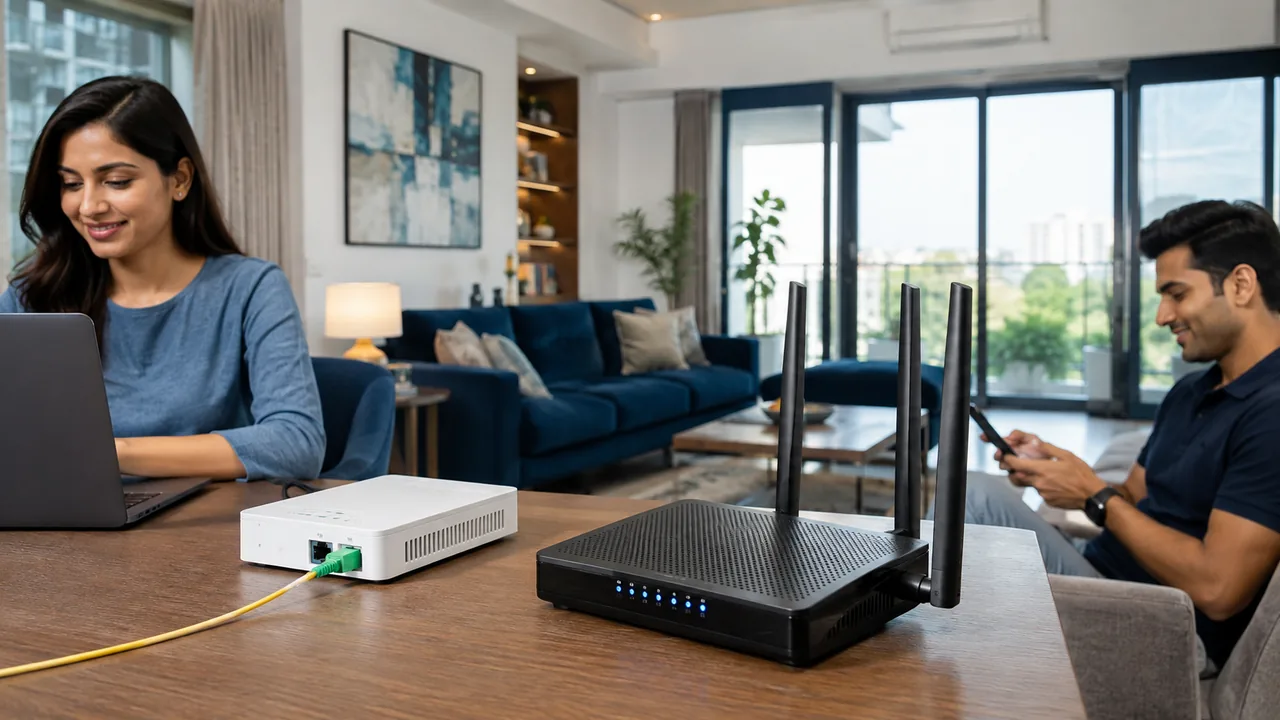
Check which device terminates the provider connection and whether your own router can operate with it. Some homes use a combined optical terminal and router, while others use separate units. Ask about supported connection settings before replacing equipment. Keep a copy of approved configuration details and avoid a factory reset unless you know how service will be restored.
Look beyond the largest number on the box. Ethernet port speed, supported bands, firmware maintenance and the capability of your phones and laptops all matter. A router cannot overcome every wall or floor by itself. If coverage is the main problem, compare a better location or additional wired access point with purchasing a more expensive central unit.
Your practical checklist
- Confirm provider compatibility.
- Check ports and update support.
- Match equipment to the floor plan.
Frequently asked question
Does a router's advertised wireless rate equal my internet speed?
No. Product ratings describe wireless capabilities under stated conditions, often across multiple bands. Actual internet performance also depends on the plan, device and environment.
Discuss your connection with Fiber Link
For Westend Marg, share your full address, floor, landmark and expected use. Ask for current availability, the complete payable amount and equipment terms before booking. Installation timing, coverage and any promotional benefits need confirmation for the exact property.
View Westend Marg broadband information · Call 9971524677 · Request a connection