
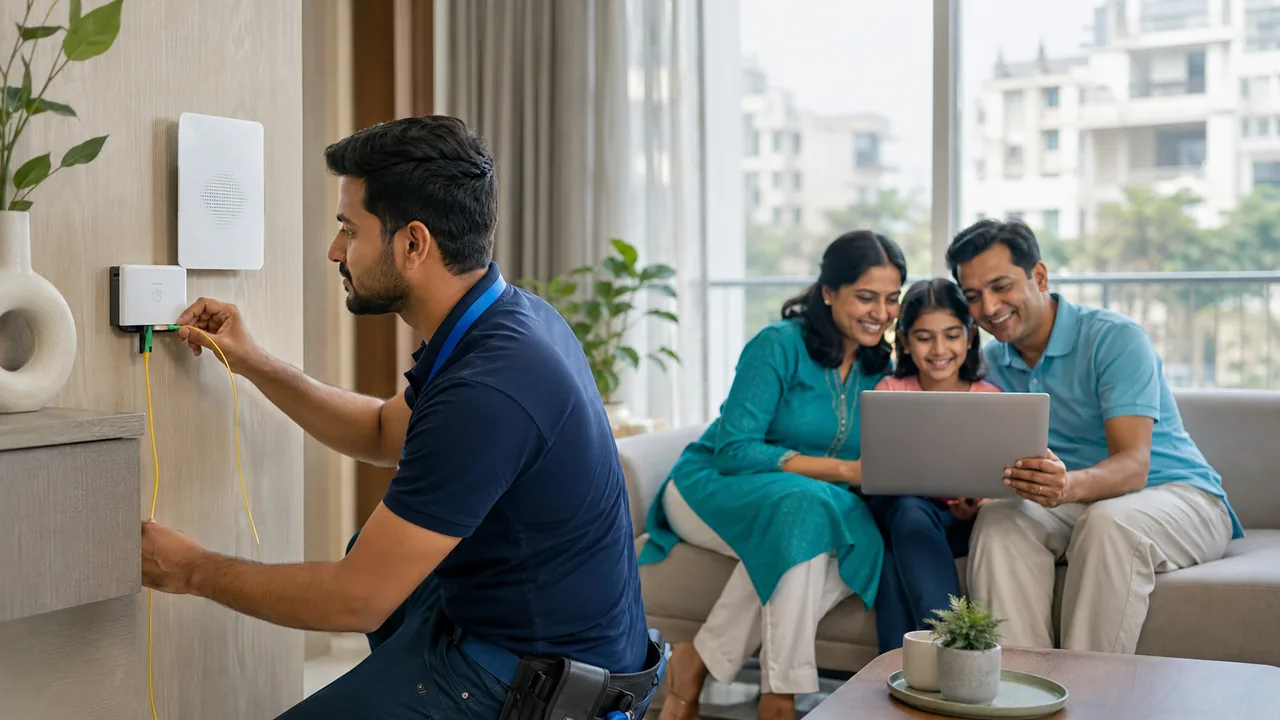
Installing fiber on IGNOU Road requires a route to the specific property and a sensible indoor termination point. Shared entrances, rental permissions and access hours should be clarified before a technician is scheduled.
Make the visit productive
Send the complete address, floor and map pin, and explain any restrictions on external or internal wiring. Agree where the optical terminal and router will be powered. Keep the route clear of furniture and sharp cable bends. After activation, check the desk, study room and television area so that any indoor coverage issue is visible before the handover is complete.
Know what a completed installation includes
The physical installation and the usable service are related but separate checks. Cabling must reach an approved point, equipment needs suitable power and the subscriber account must be activated. Ask the technician which lights indicate normal operation and which indicate a fault. Keep optical cables protected from crushing and sharp bends, and avoid moving or disconnecting optical connectors without guidance.
Before closing the visit, open normal websites, run a suitable wired speed comparison and test your important Wi-Fi locations. Confirm the registered contact details, billing period and support route. If extra equipment is needed for indoor coverage, obtain a clear explanation and cost before agreeing. Save photographs of equipment labels for your own records without sharing account credentials publicly.
Your practical checklist
- Explain wiring restrictions.
- Prepare power and clear access.
- Check the main usage rooms.
Frequently asked question
Does a successful wired test guarantee Wi-Fi in every room?
No. It verifies one part of the connection. Room coverage depends on placement, walls, devices and any additional access points, so test those separately.
Discuss your connection with Fiber Link
For IGNOU Road, share your full address, floor, landmark and expected use. Ask for current availability, the complete payable amount and equipment terms before booking. Installation timing, coverage and any promotional benefits need confirmation for the exact property.
View IGNOU Road broadband information · Call 9971524677 · Request a connection