
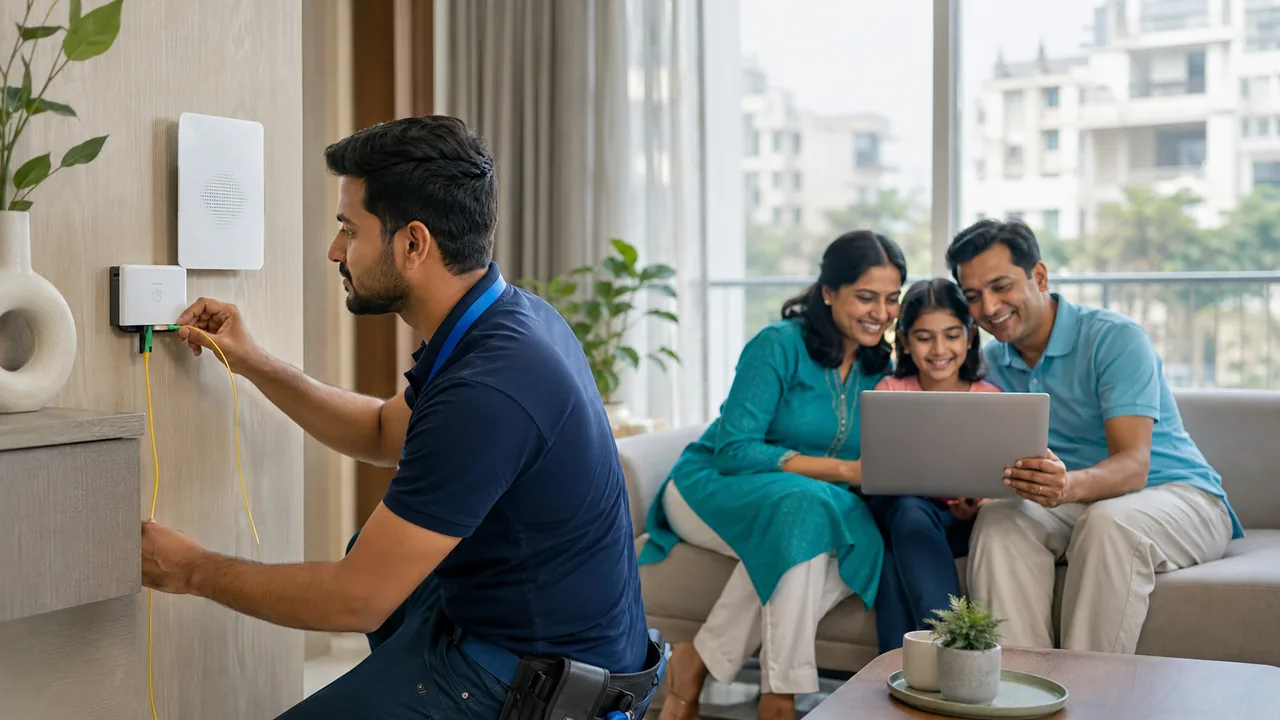
Getting connected on Westend Marg begins with an exact-address enquiry. A nearby active connection is a useful reference, but your building's entry route and available network capacity still need checking.
Make the first enquiry useful
Send your building number, floor, nearest landmark and map pin to Fiber Link. Explain whether the property is a home, shop or office and how many people will use the connection. Once feasibility is confirmed, request plan and equipment terms in writing. Agree on an installation window only after permission and access arrangements are clear.
Know what a completed installation includes
The physical installation and the usable service are related but separate checks. Cabling must reach an approved point, equipment needs suitable power and the subscriber account must be activated. Ask the technician which lights indicate normal operation and which indicate a fault. Keep optical cables protected from crushing and sharp bends, and avoid moving or disconnecting optical connectors without guidance.
Before closing the visit, open normal websites, run a suitable wired speed comparison and test your important Wi-Fi locations. Confirm the registered contact details, billing period and support route. If extra equipment is needed for indoor coverage, obtain a clear explanation and cost before agreeing. Save photographs of equipment labels for your own records without sharing account credentials publicly.
Your practical checklist
- Share the exact property details.
- Describe the expected use.
- Confirm charges before booking.
Frequently asked question
Does a successful wired test guarantee Wi-Fi in every room?
No. It verifies one part of the connection. Room coverage depends on placement, walls, devices and any additional access points, so test those separately.
Discuss your connection with Fiber Link
For Westend Marg, share your full address, floor, landmark and expected use. Ask for current availability, the complete payable amount and equipment terms before booking. Installation timing, coverage and any promotional benefits need confirmation for the exact property.
View Westend Marg broadband information · Call 9971524677 · Request a connection