
If you are searching for Router and mesh installation in Paryavaran Complex, begin with the exact premises rather than assuming that a nearby cable or search result confirms service. Fiber Link Broadband can check the route, access and network capacity for the requested unit, floor or building.
This guide focuses on designing indoor WiFi around the property layout instead of the easiest cable entry. It uses Paryavaran Complex as a verified location already represented on the website and explains the practical plan, equipment, installation and support decisions.
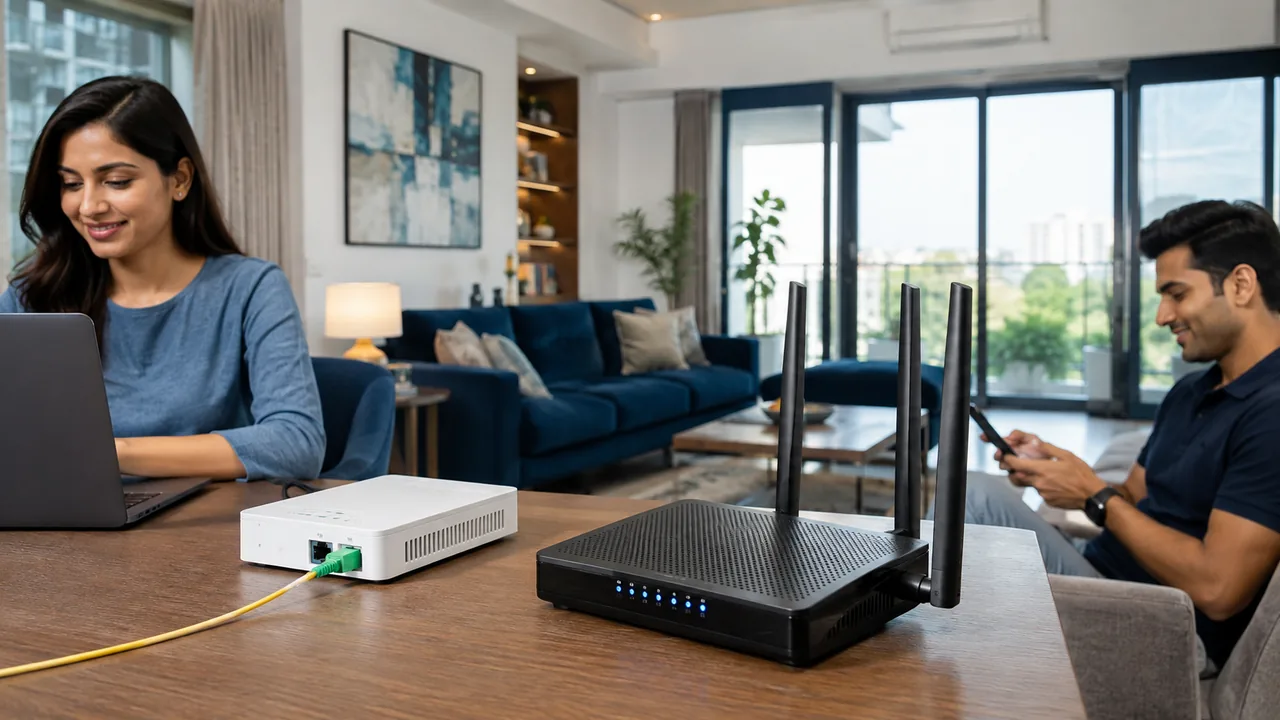
Map important rooms first
Mark work desks, study areas, televisions, cameras and frequently used bedrooms before agreeing the router point.
Choose access point or mesh deliberately
A wired access point gives predictable backhaul. A mesh system can improve mobility, but node placement and backhaul quality determine results.
Test before adding equipment
Install the main router sensibly and measure important rooms. Add a node or access point only where a persistent weak zone is demonstrated.
Detailed Router, mesh & installation checks
Keep the router open, elevated and away from cabinets, large metal objects and other electronics that block or interfere with radio signals.
For multi-floor properties, Ethernet to another level often provides more stable capacity than a wireless repeater receiving an already weak signal.
Document the WiFi name, administrator owner, node locations and cable routes. A small network map prevents later equipment moves from undoing a working design.
Location-specific planning for Paryavaran Complex
Paryavaran Complex is represented on the current website as blocks, apartment buildings, builder floors and homes near Said-ul-Ajaib and Westend Marg. It sits within the wider Paryavaran Complex service context and uses PIN 110030 as a postal reference, but installation remains premises-specific.
A locality name covers many possible cable approaches. Provide the lane, house or building number, floor and map pin instead of expecting the PIN code to identify the route.
Independent floors may require owner permission or a chosen common entry. Decide who can authorise drilling, terrace access and visible outdoor cable.
Keep a local service record with the account number, plan, registered mobile, installation date and equipment details for later support.
Router and mesh installation in Paryavaran Complex decision worksheet
Decision record 42 is for Router and mesh installation in Paryavaran Complex. Write down the exact Paryavaran Complex premises, property type, floor, authorised contact, busiest usage period, critical rooms and fixed equipment. Because this location includes blocks, apartment buildings, builder floors and homes near Said-ul-Ajaib and Westend Marg, ask whether the planned router point serves the actual work, study, business or camera positions. Compare the selected plan, first payment, equipment terms and installation route against the same record. After activation, keep one capable-device result close to the router and another from the priority location. This location-and-topic record provides better evidence for renewal, upgrades and support than a general complaint or an unrelated nearby address.
Current plan comparison
The following prices come from the supplied Fiber Link Broadband site. Reconfirm the billing period, installation, taxes if applicable, router terms, renewal and promotions for the actual order.
| Speed | Price | Common fit | Check before buying |
|---|---|---|---|
| 100 Mbps | ₹499/month | Routine home and study use | Peak simultaneous activity |
| 200 Mbps | ₹699/month | Families and shared properties | Router and room coverage |
| 300 Mbps | ₹799/month | Heavy multi-device use | Access-point distribution |
| 500 Mbps | ₹1,699/month | High-demand home or office | Full network capability |
Plan speed and indoor coverage are separate
Select capacity for simultaneous meetings, classes, streams, downloads, cameras, cloud work and business activity. Then design WiFi for the physical layout. A faster incoming plan does not automatically pass through walls or floors, and additional access points do not increase the provider package. Both decisions should support each other.
Installation and acceptance checklist
- Send the complete premises and map pin.
- State the property type, unit, floor and access restrictions.
- Wait for route and capacity verification.
- Choose speed from peak simultaneous use.
- Confirm recurring and first-payment terms.
- Agree a safe, authorised cable and equipment position.
- Test close to the router and at critical rooms.
- Save the account, equipment and renewal details.
How to escalate a real fault
State whether one device, one room or every device is affected. Record the time and equipment lights. Test near the router and, where practical, over Ethernet on capable equipment. This evidence helps support distinguish the fiber line, router, wireless path, remote service and individual device.
Router and mesh installation in Paryavaran Complex: property field worksheet
Treat Paryavaran Complex as a distinct installation job when planning Router and mesh installation in Paryavaran Complex. Walk the expected cable path, identify the authorised contact, and list the rooms where a weak signal would be unacceptable. The site context—a verified locality in Paryavaran Complex—should guide questions, but it should not be converted into an unsupported claim about every unit or floor.
Turn the Router and mesh installation in Paryavaran Complex enquiry into measurable requirements for Paryavaran Complex: peak users, largest expected transfer, meeting count, streaming quality, camera access and rooms served. Link each requirement to a plan or local-network decision. For example, extra Mbps can shorten downloads, while Ethernet or an access point can stabilise a distant fixed device inside the locality.
Before authorising Router and mesh installation in Paryavaran Complex, ask for one written total tied to Paryavaran Complex. It should identify the plan period, installation scope, equipment, deposits, taxes and next renewal. If a multi-month offer changes router or bonus terms, record that condition explicitly. A complete locality order is easier to support than several disconnected verbal promises.
Complete field record 42 by testing Router and mesh installation in Paryavaran Complex in the normal Paryavaran Complex environment. Do not leave every door open or stand only beside the router. Check the actual work, study, customer or camera position. A realistic acceptance test is valuable because the locality network will be used under those ordinary conditions after the technician leaves.
Support for Router and mesh installation in Paryavaran Complex at Paryavaran Complex is faster when the caller has the registered number, plan, equipment status and exact premises ready. Describe the result, not a guessed cause. Saying that every device lost connectivity after an optical alarm is more useful than demanding a router replacement without checking the fiber indicators.
Final verification record
Acceptance note 42 belongs only to Router and mesh installation in Paryavaran Complex. At Paryavaran Complex, name the authorised contact, selected plan, cable route, router position and priority device. Add the close-range and priority-room observations after activation. If a future user changes the WiFi equipment or moves furniture, update this record. A current Router, mesh & installation note prevents an old premises assumption from being reused as if nothing in the network had changed.
Call 9971524677 or send the address on WhatsApp.
Related guides for Paryavaran Complex
- WiFi speed problems and fixes in Paryavaran Complex
- Business office and CCTV internet in Paryavaran Complex
- Broadband plan comparison in Paryavaran Complex
- Fiber internet availability and installation in Paryavaran Complex
- Existing Paryavaran Complex location guide
- All broadband plans
- Internet speed test
Frequently asked questions
Is mesh always better than one router?
No. A well-placed router may cover a smaller property; larger or difficult layouts may benefit from wired access points or mesh.
Is Router and mesh installation in Paryavaran Complex available at every unit?
No. Capacity, cable route, access and the exact unit or floor must be confirmed.
Which prices are listed?
The supplied site lists 100 Mbps ₹499, 200 Mbps ₹699, 300 Mbps ₹799 and 500 Mbps ₹1,699 per month. Confirm current terms.
Can a faster plan fix weak WiFi?
Not by itself. Router position, walls, floors, interference and device capability affect indoor coverage.
How do I request service for Paryavaran Complex?
Call or WhatsApp 9971524677 with the complete address, floor, landmark and map pin.
Conclusion
Treat broadband capacity and indoor coverage as separate choices. Identify the weak rooms, then agree on the equipment and layout that address them.